
Download Sniper 3D – sniper game, 3D shooting game, pc game, android emulator, game loop
Overview
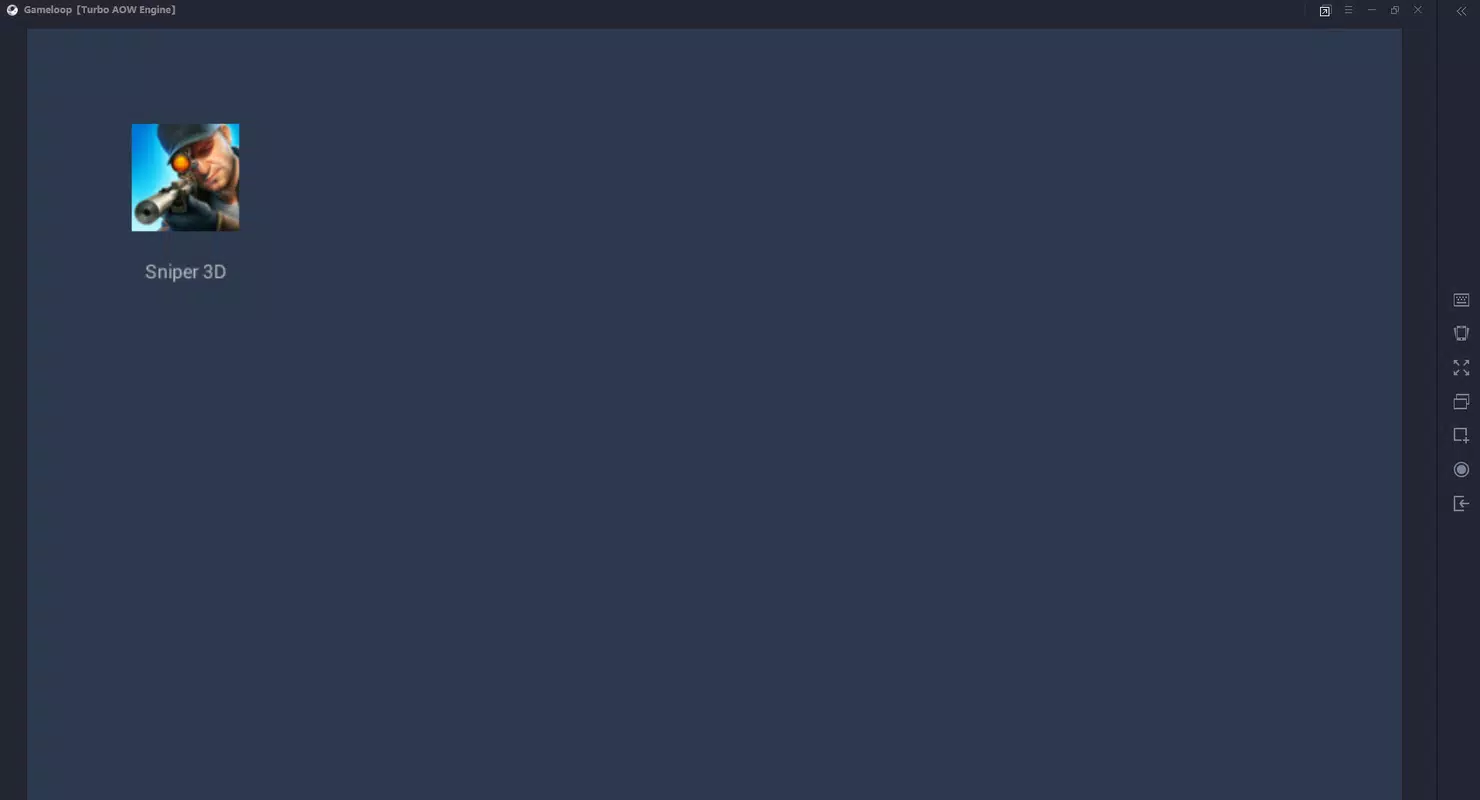
Sniper 3D, developed by GameLoop, is a first-person shooter mobile game designed to immerse players in high-stakes precision combat scenarios. The game is optimized for play through the GameLoop platform, which functions as an Android emulator tailored for PC users. This allows players to run Android-based games on Windows systems, leveraging mouse and keyboard controls for enhanced gameplay experience. The core purpose of Sniper 3D is to simulate the role of a skilled sniper, challenging players to eliminate targets from long distances using a variety of weapons and tactical planning.
The game addresses the demand for immersive, skill-based shooting experiences that go beyond standard mobile controls. It targets casual and competitive gamers alike who enjoy strategic, methodical gameplay with a focus on accuracy and timing. Real-world use cases include practicing target acquisition, spatial awareness, and trajectory prediction—skills that mirror real-life marksmanship principles. As part of the broader mobile gaming ecosystem, Sniper 3D (GameLoop) fills a niche by bridging mobile game content with PC accessibility, offering a seamless transition for users who prefer larger screens and more precise input methods. The developer did not provide additional technical details.
Key Features & Functionality
- First-Person Sniper Simulation: Players assume the role of a marksman, using high-precision rifles to eliminate enemies from concealed positions, emphasizing patience and accuracy over fast reflexes.
- Adaptive Control System: The GameLoop emulator translates touch-based mobile inputs into mouse and keyboard commands, allowing intuitive aiming and shooting with minimal learning curve.
- 3D Graphics and Visual Detail: The game features detailed 3D environments that support dynamic camera angles, enabling players to inspect targets from multiple perspectives before engaging.
- Target Trajectory Visualization: After each successful shot, the game displays a slow-motion replay of the bullet’s path, helping players analyze and improve their aim.
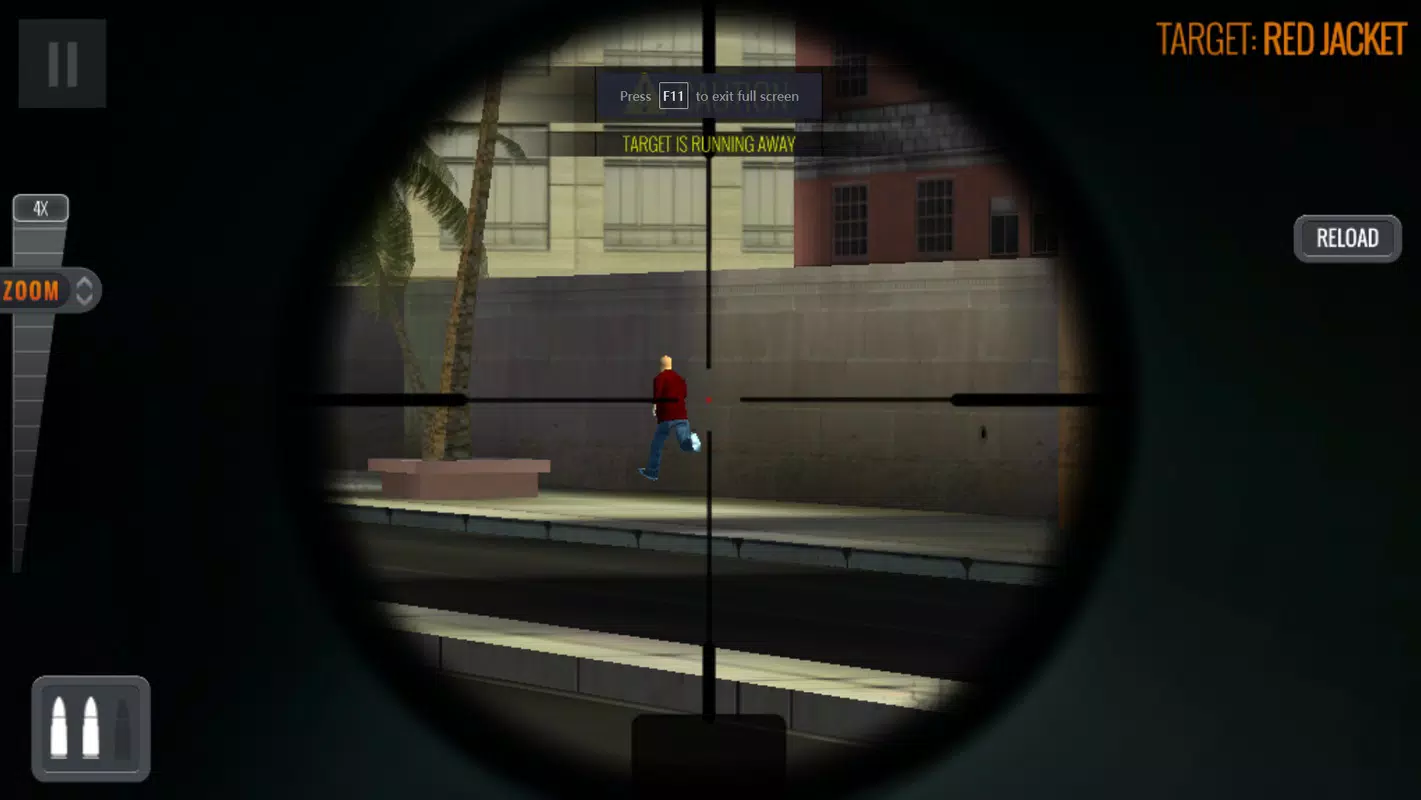
- Interactive Sight Glass: Each level includes a scope with adjustable magnification and crosshair adjustments, assisting in calculating windage, distance, and bullet drop.
These features work together to create a realistic and engaging experience. For example, players can use the sight glass to adjust for long-range shots, then verify their calculations with the post-shot trajectory replay. This feedback loop enhances learning and skill development. The game’s mechanics reward strategic thinking, positioning, and timing, making it suitable for players who enjoy tactical challenges over fast-paced action. Although the developer did not list formal performance metrics, the integration with GameLoop suggests optimized performance on mid-to-high-end Windows systems.
Interface, UX & Performance
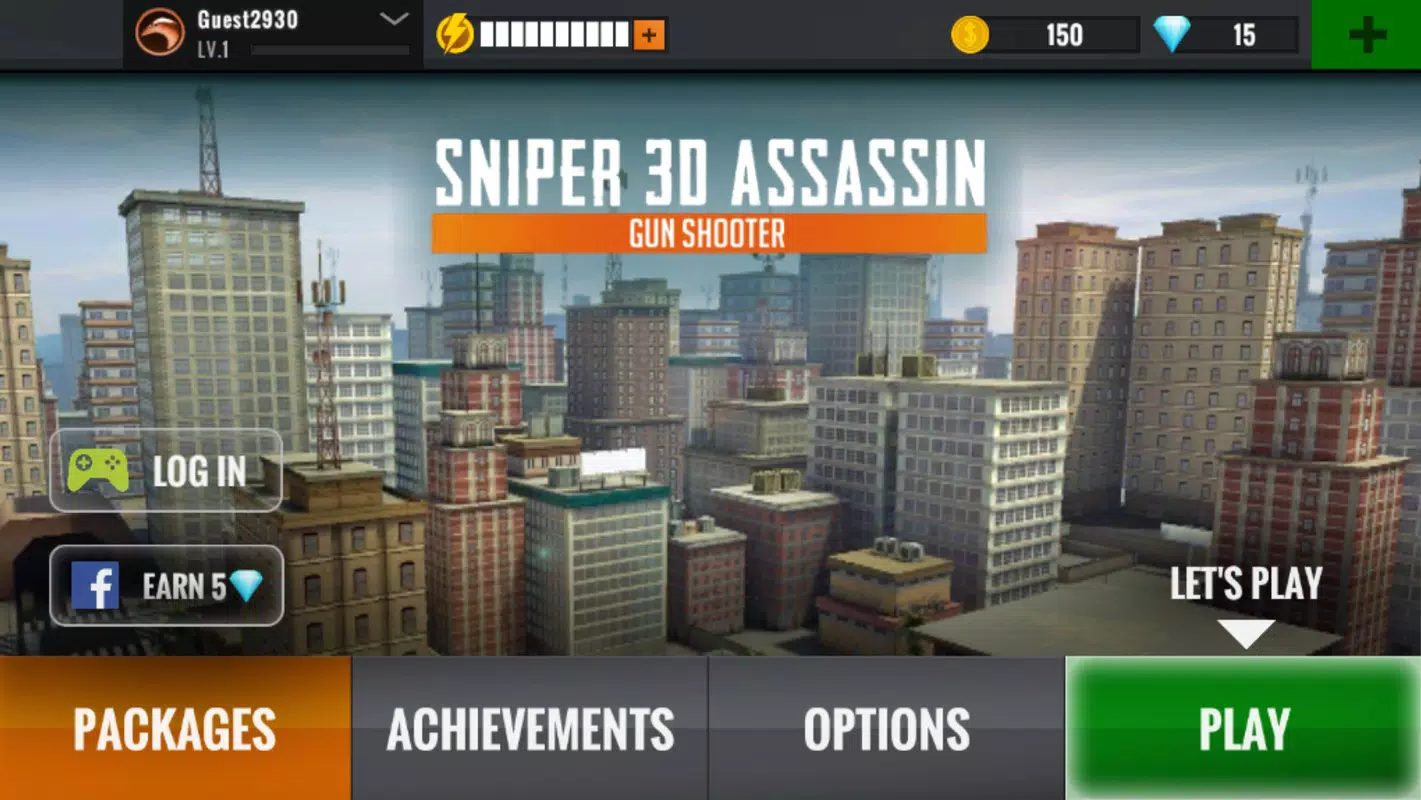
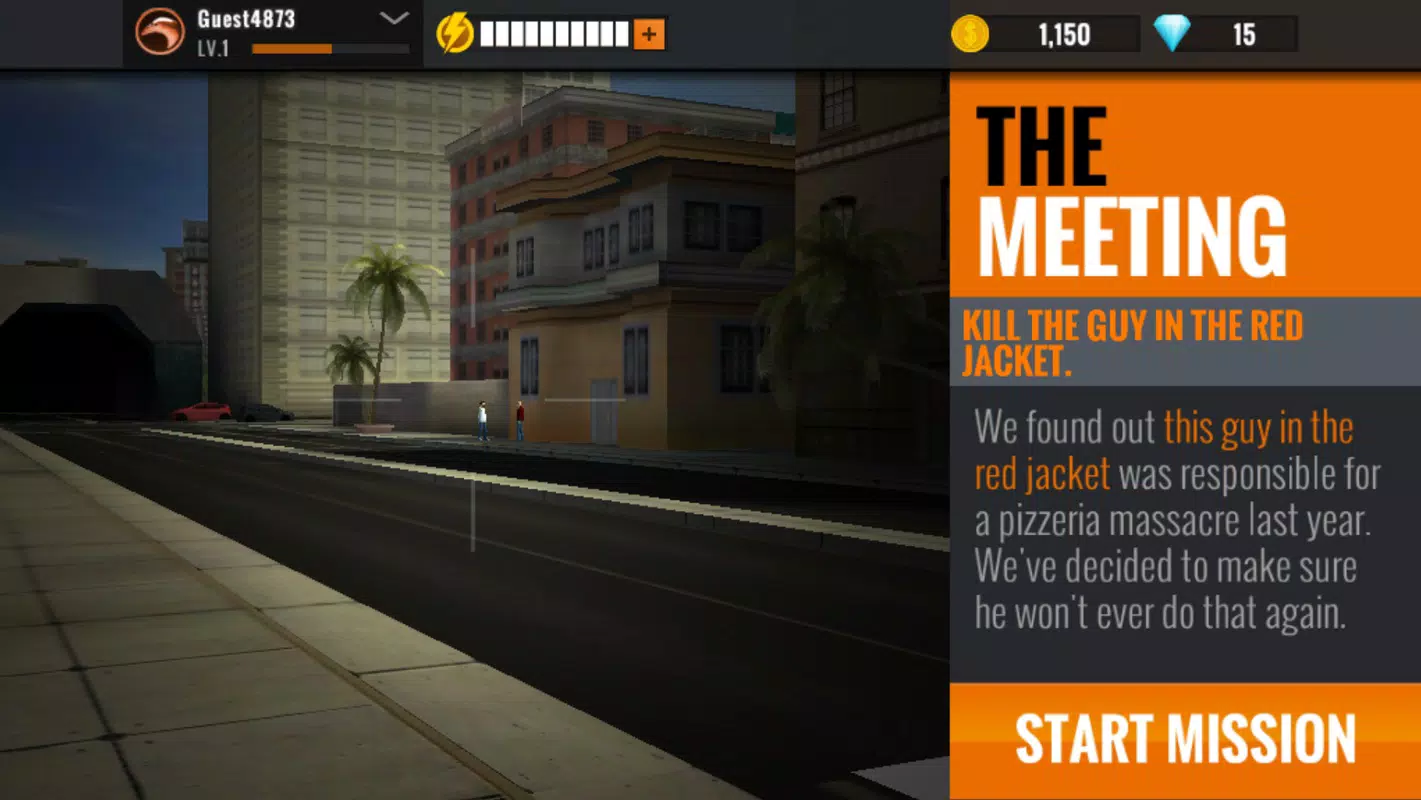
The user interface of Sniper 3D (GameLoop) is designed with simplicity and clarity in mind. The main screen presents a clean HUD with essential elements such as weapon selection, ammo count, and scope indicators. Navigation is intuitive, with menus accessible via on-screen buttons that adapt to mouse input. The visual style leans toward realism, with detailed textures, dynamic lighting, and lifelike character models that enhance immersion.
Performance is largely dependent on the underlying GameLoop emulator, which runs Android applications on Windows. The interface responds smoothly during gameplay, with minimal lag reported under standard conditions. The emulator automatically configures control mappings, reducing setup friction.
However, specific requirements were not listed, so performance may vary based on system configuration. Responsiveness is consistent across different device categories, though users with lower-end hardware may experience frame drops during complex scenes. Stability is maintained through the emulator’s built-in optimization tools, though the developer did not specify crash rates or update frequency.
Platform Compatibility & Technical Requirements
Sniper 3D is available exclusively on the Windows platform through the GameLoop emulator. The application requires Windows operating systems, though the developer did not specify minimum OS requirements. The software version is 1.0.1, and the file size is 1.3 GB, which includes the emulator and game files. This size reflects the inclusion of high-resolution assets, audio tracks, and engine components necessary for smooth 3D rendering.
Compatibility information was not fully disclosed. Users should ensure their system meets general standards for running Android emulators, such as sufficient RAM, a compatible graphics card, and adequate storage space. The developer did not list specific hardware requirements, nor did they confirm support for older Windows versions. Installation is straightforward, with the tool handling all dependencies automatically. No additional downloads or manual configurations are required.
Pros and Cons
Pros
- Offers a realistic sniper simulation experience with high-precision mechanics.
- Seamless integration with GameLoop emulator for PC-based Android gaming.
- Intuitive mouse and keyboard controls adapted from mobile touch input.
- High-quality 3D visuals with dynamic camera angles and slow-motion bullet replays.
- Free to download and install, with no in-app purchases mentioned.
Cons
- Requires significant system resources due to the Android emulator overhead.
- Compatibility with older or low-end Windows systems is uncertain.
- No official update frequency or changelog provided by the developer.
- Gameplay may feel repetitive over extended play sessions.
- Dependence on the GameLoop platform limits standalone functionality.
FAQ
Is Sniper 3D free to play?
Yes, the game is available at no cost through the GameLoop platform. There are no reported in-app purchases or paywalls.
Can I play Sniper 3D on my Windows PC?
Yes, Sniper 3D is designed to run on Windows via the GameLoop emulator. The installer includes all necessary components for setup.
Do I need an Android device to play?
No. The GameLoop emulator allows you to run the Android-based game directly on your Windows PC without requiring a physical Android device.
Is the game safe to download?
Yes, the game is distributed through the official GameLoop platform, which is operated by Tencent. It is considered secure for users who download from trusted sources.
How often is the game updated?
The developer did not disclose update frequency. However, the GameLoop platform typically releases updates for supported games on a periodic basis.
Final Thoughts
Sniper 3D delivers a compelling blend of tactical gameplay, visual fidelity, and accessibility through the GameLoop emulator. Its focus on precision, realistic mechanics, and immersive 3D environments makes it a standout choice for players seeking a more deliberate and skill-driven shooting experience. The integration of mouse and keyboard controls enhances gameplay on PC, offering a level of control that is difficult to achieve on touchscreens. While the reliance on an emulator introduces some system demands, the seamless setup process and free access make it highly accessible.
Players who enjoy strategic shooting, long-range challenges, and visual feedback loops will find significant value in this title. Whether you're a casual gamer looking for a new pastime or a PC user exploring Android games, Sniper 3D offers a polished and engaging experience. The combination of realistic physics, detailed graphics, and intuitive controls ensures a satisfying journey from the first shot to the final mission.
Download Sniper 3D now


